next-workflow-builder
A Next.js plugin for visual workflow building with drag-and-drop, code generation, and AI-powered automation.
- Role
- Author & Maintainer
- Period
- 2025
Drag-and-drop canvas that compiles directly to Next.js server actions — no runtime interpreter.
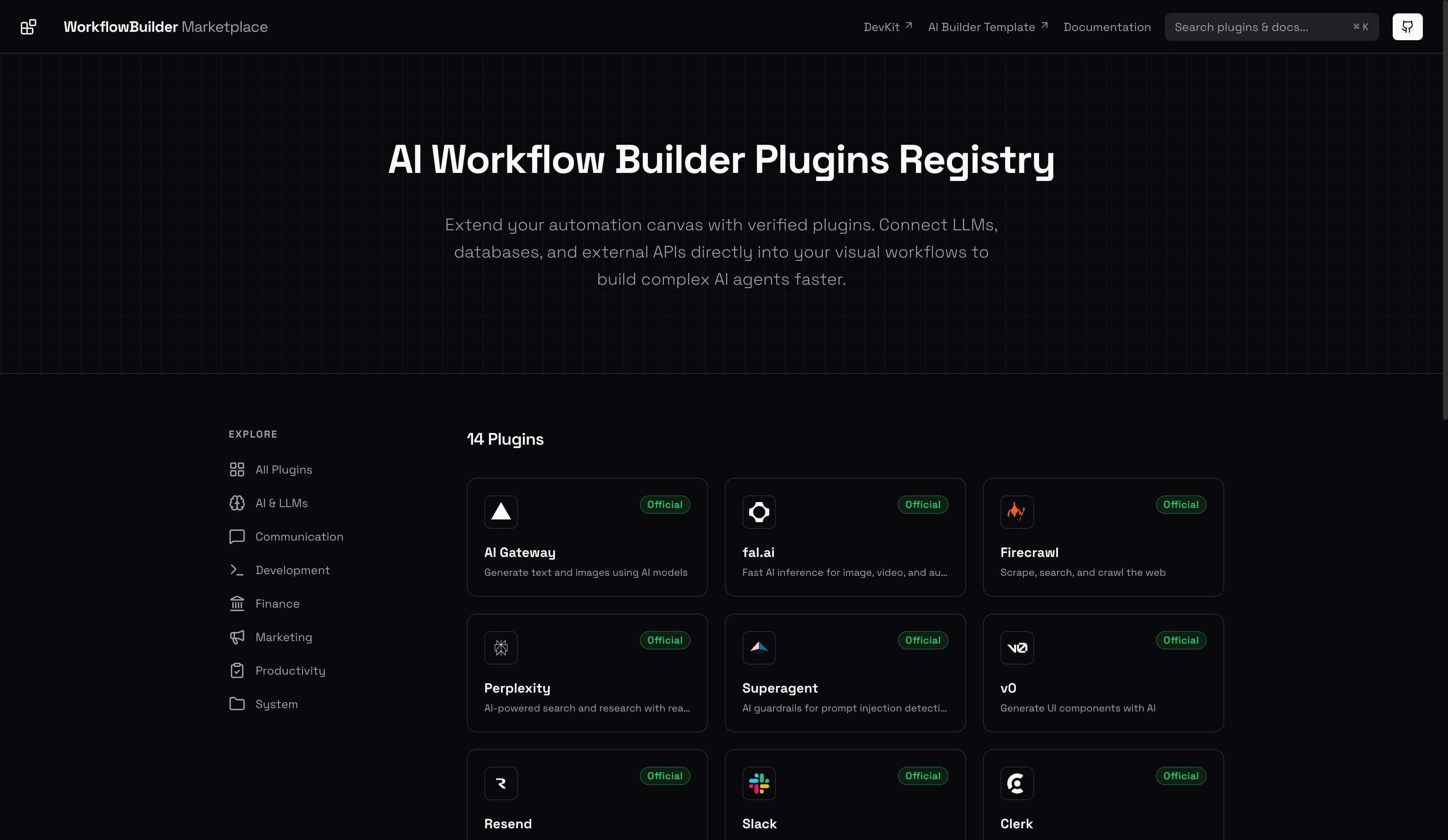
Plugin marketplace for sharing reusable workflow nodes across projects.
AI-assisted node generation backed by a typed schema, so generated code stays type-safe.
Zero-config install via `pnpm dlx next-workflow-builder init` for any Next.js 15+ app.
Why I built it
Most workflow builders force you into a hosted runtime: a SaaS dashboard, a separate billing model, and a network hop on every step. That tradeoff makes sense for non-technical teams, but it's a poor fit when the surrounding product is already a Next.js app — there's no good reason a "workflow" shouldn't compile down to plain server actions and run alongside the rest of the codebase.
next-workflow-builder is a Next.js plugin that turns a visual canvas into compiled, type-safe code. The same workflow you draw on the canvas ships as a Server Action, with no runtime interpreter and no extra hosting.
What's inside
The plugin ships three things that are normally separate concerns:
- A canvas built on a typed node graph. Each node declares its inputs, outputs, and parameters in a Zod schema, so the canvas knows exactly what's valid before generation runs.
- A code generator that turns the graph into a Server Action. The output is plain TypeScript — you can read it, audit it, edit it, and ship it like any other handler.
- A plugin marketplace so the typed nodes can be reused across projects. Marketplace entries are versioned and namespaced; installing a node is a single
addcommand.
Outcomes
- I use it as the automation backbone of EDMDb — every "ingest a new festival lineup" step is a workflow that compiles into the EDMDb monorepo.
- The marketplace seeded with ~20 generic nodes (HTTP, queue, retry, fan-out, AI completion) covers most real-world flows out of the box.
- Because the output is just code, the workflows reuse the host app's existing observability, error tracking, and auth — no separate dashboard to wire up.
What I'd do differently
The biggest open question is how far to push the AI node-generation. It's useful for scaffolding, but it tempts users to skip the typed-node story, which is what makes the rest safe. The next iteration probably narrows the AI surface to "generate a node spec," then runs the typed generator on that spec — keeping the type safety guarantee end-to-end.
Want something like this?
Available for freelance and contract work. The fastest way to start a conversation is email.